Google Sheets Automation: Data Entry & AI Analysis with TenseAI
Automate spreadsheet updates, data entry, and analysis using AI-powered workflows.
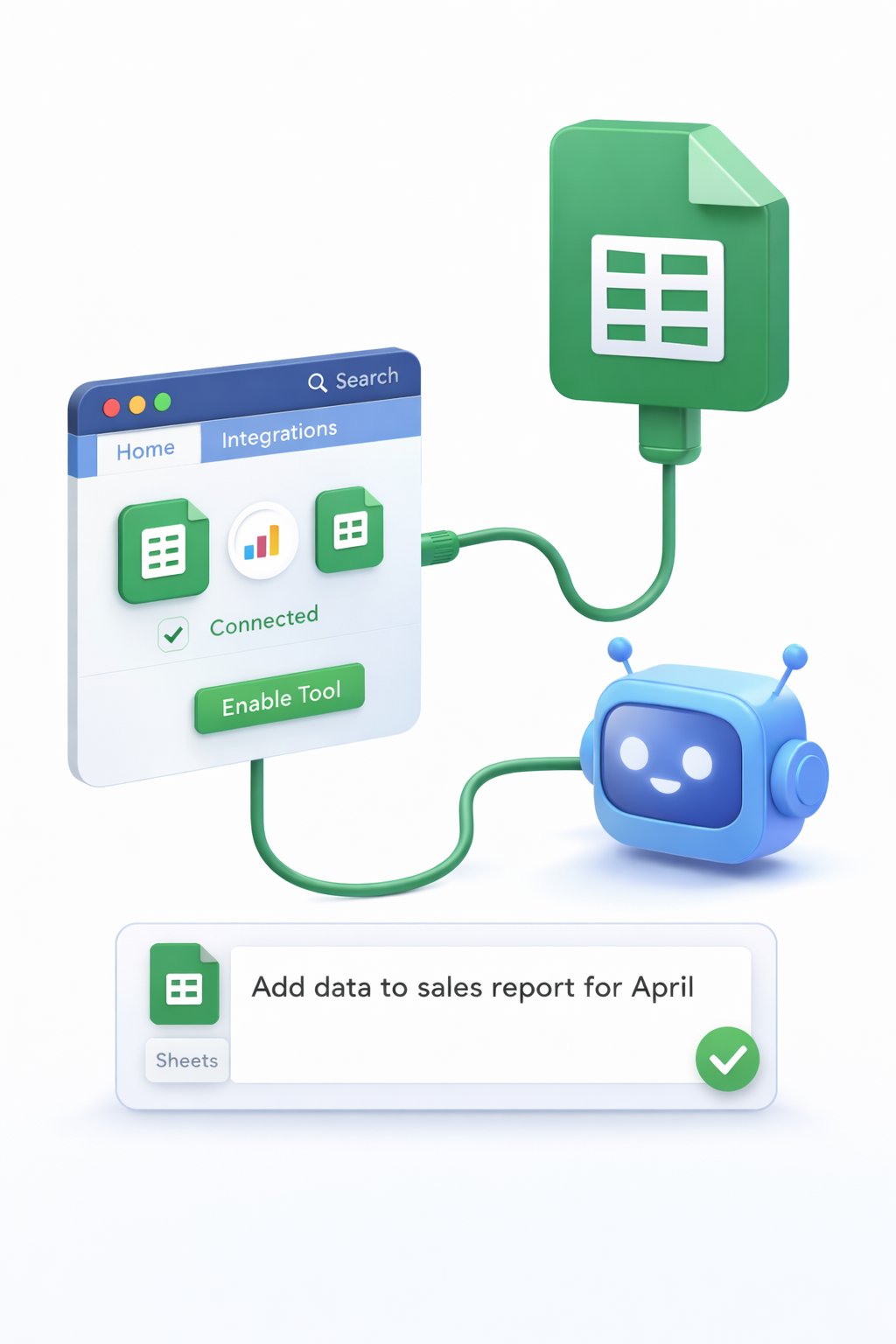

TenseAI enables you to automate Google Sheets tasks such as data entry, reporting, and analysis using simple natural language commands. Instead of manually updating spreadsheets or writing complex formulas, you can rely on AI to handle your data workflows efficiently.
Whether you're managing business data, tracking metrics, or analyzing trends, TenseAI acts as your AI-powered spreadsheet assistant.
Secure Google Sheets Integration
TenseAI connects to Google Sheets using OAuth 2.0 authentication, ensuring secure and permission-based access. Your spreadsheet data remains private, and you can control permissions anytime.
Only required actions are performed, making automation safe and reliable for both personal and business use.
Core Tasks You Can Automate
What You Can Do with AI Spreadsheet Automation
Example AI Commands
“Add today's sales data to the spreadsheet and generate a summary report.”
“Analyze last month's data and highlight growth trends.”
These commands help automate repetitive spreadsheet tasks and improve decision-making.
How It Works
Key Benefits of Google Sheets Automation
Best Practices for Better Results
Start Automating with TenseAI
Build production-grade, multi-tool workflows with Kahn's DAG compilation and Universal Output Envelopes.